What the vibe engineering workflow tells us about the future of UX roles
AI coding agents can only go as fast as humans can give them direction.

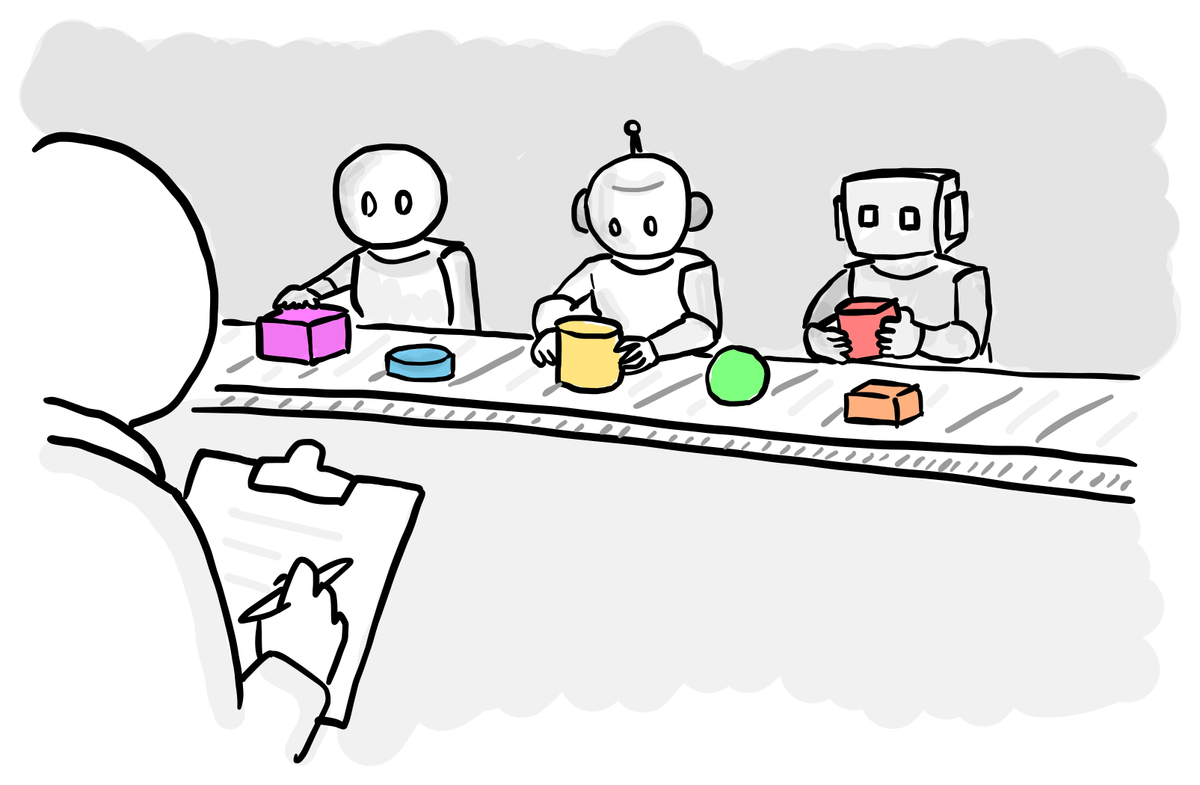
Last week I outlined my thesis on how vibe engineering will turn the product design process upside down.
This week we’re taking a look at the workflow used to write production-quality code with AI, because this tells us a lot about how UX research and product design roles will change in the future.
Change will flow downhill from engineering
Every research and design team is trying to figure out how to incorporate AI into their work. Synthesis tools, faster prototyping and so on.
Yet the impact of AI on software engineering is so massive that its gravitational pull will be the primary driver of changes to how UX people do their work.
To be simplistic, most of what we do in UX is in service of creating working software that meets the needs of an organisation and its customers. When you make writing code 10x faster and allow more people to write it, that change is going to outweigh everything else.
So by understanding the AI-assisted engineering workflow, we can understand the knock-on impact on UX roles.
The constraints that shape the workflow
If you want to understand how AI will impact UX, the best thing you can do is fire up Claude Code and start building something yourself. For the last six weeks, I’ve been creating a web app for parents that extracts to-dos and dates from school emails.
The first thing you learn is that the vibe engineering workflow is dictated by the current limitations of AI coding agents:
- They have no long-term memory. Each conversation with the agent starts fresh – it has no context about your project unless you share it. Providing this information is your job, which is why people talk about ‘context engineering’ so much: quality input equals quality output.
- They have limited short-term memory. When you’re having a normal conversation with something like ChatGPT, you rarely come close to filling up the context window (think of it as the agent’s working memory). But when you’re coding, it fills up super fast because it’s constantly reading files, documentation and so on. Once it gets close to full, its performance deteriorates and bad behaviour like cutting corners starts to creep in.
- Therefore, they work best on limited, tightly constrained tasks. Ask Claude Code to “create an e-commerce site” in one prompt and you’ll get something, but it won’t be robust. To get quality, you have to work one small step at a time.
This is why demos of ‘one prompt to build an app’ are so misleading. That’s not how you create production software.
The workflow in practice
So what does vibe engineering actually look like when you’re trying to build something real?
1. Break down the problem
Once you know what you want to build, you need to break it down into the smallest possible tasks (due to the limitations we just touched on). And because you’re not doing everything in a single conversation, you need to manage the work across tasks to make sure it all adds up to what you want.
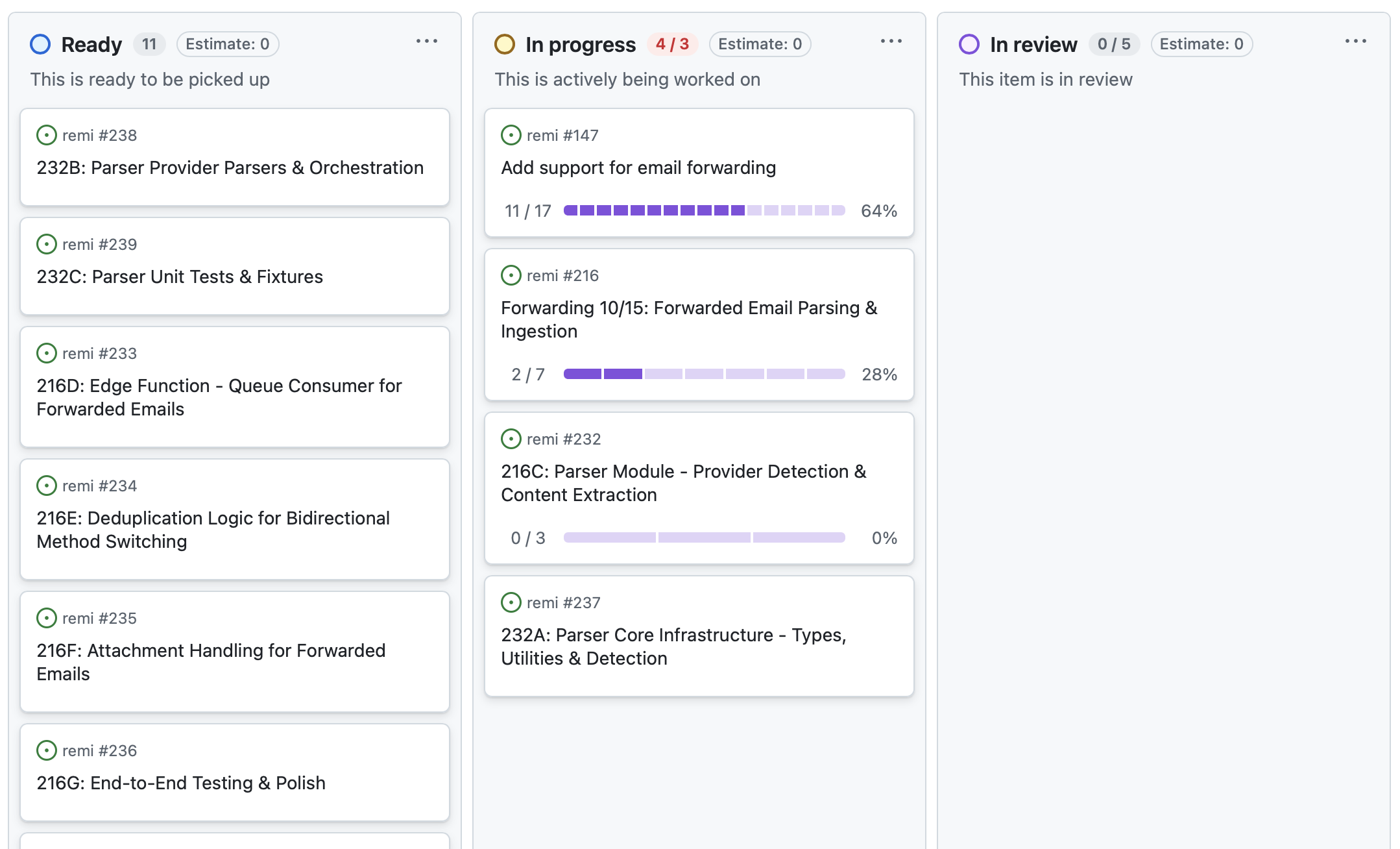
I’ve been using GitHub issues for this in my project. For each feature or task, I use ChatGPT to write a structured description of the work and paste this into the issue. The key benefit of GitHub issues is that Claude Code can read all of the issues using its command-line interface, allowing it to understand the broader context of the particular task it’s working on.
Working in this way can mean you end up with numerous issues for each feature. When I was adding support for email forwarding to my app, this one feature ended up having over 40 sub-issues on GitHub. But by breaking down the problem, you’re ensuring that the AI has the capacity to do a good job on each piece of it.
2. Planning
Before you ask the AI to write any code, you need to get it to conduct research and create a plan. Claude Code has this concept built in, with a ‘plan mode’ that explores the codebase before presenting its recommendation for how to implement your intent.
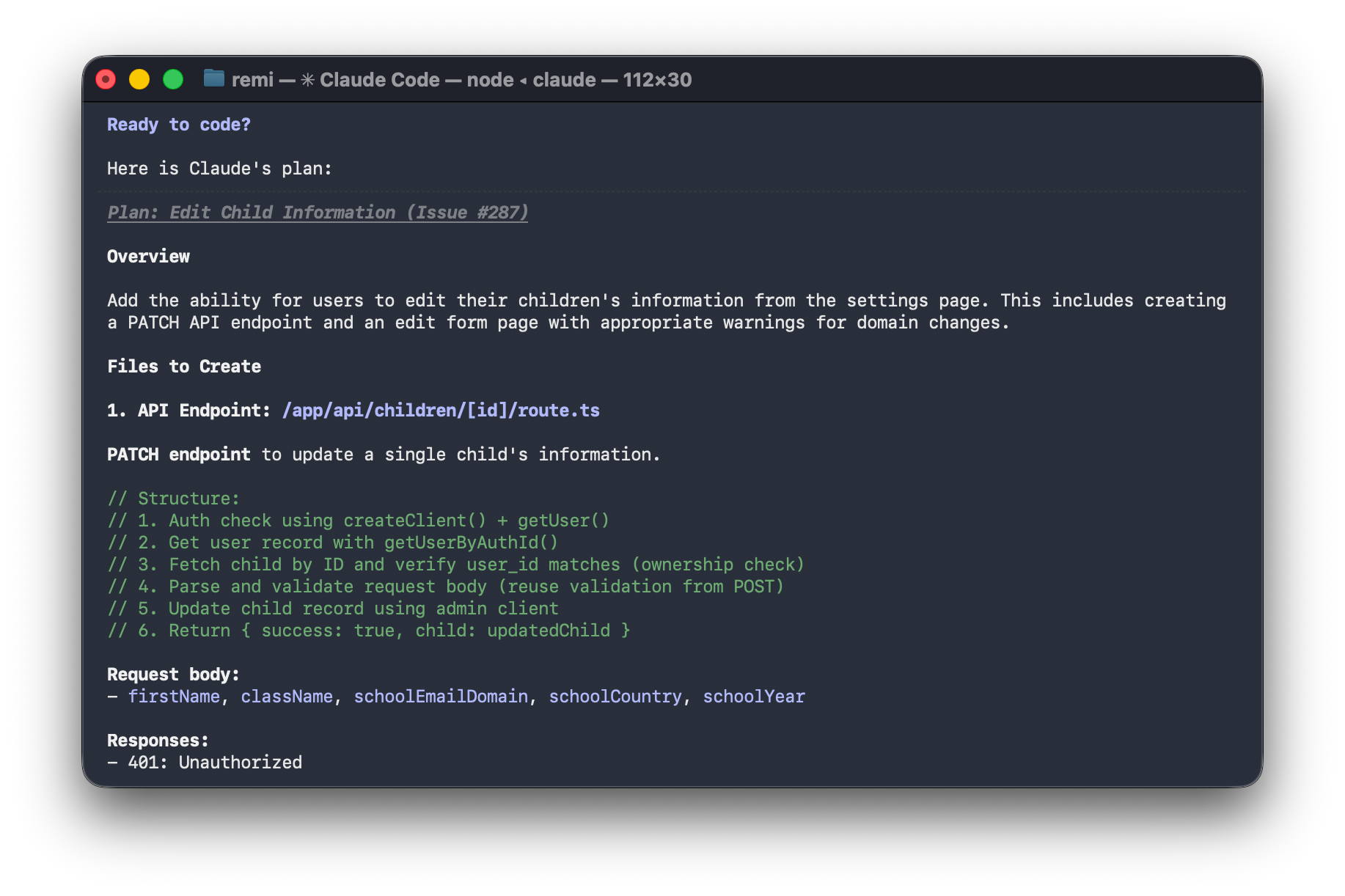
What you quickly learn is to never trust the initial plan. You always ask it to review its plan, question its assumptions and check if it hasn’t missed anything. It will always find something. This follows a standard rule with AI: the more time you give it to do something, the better the result.
For complex features, you might spend an entire conversation (and context window) just on planning, going round and round until you have real confidence in the approach.
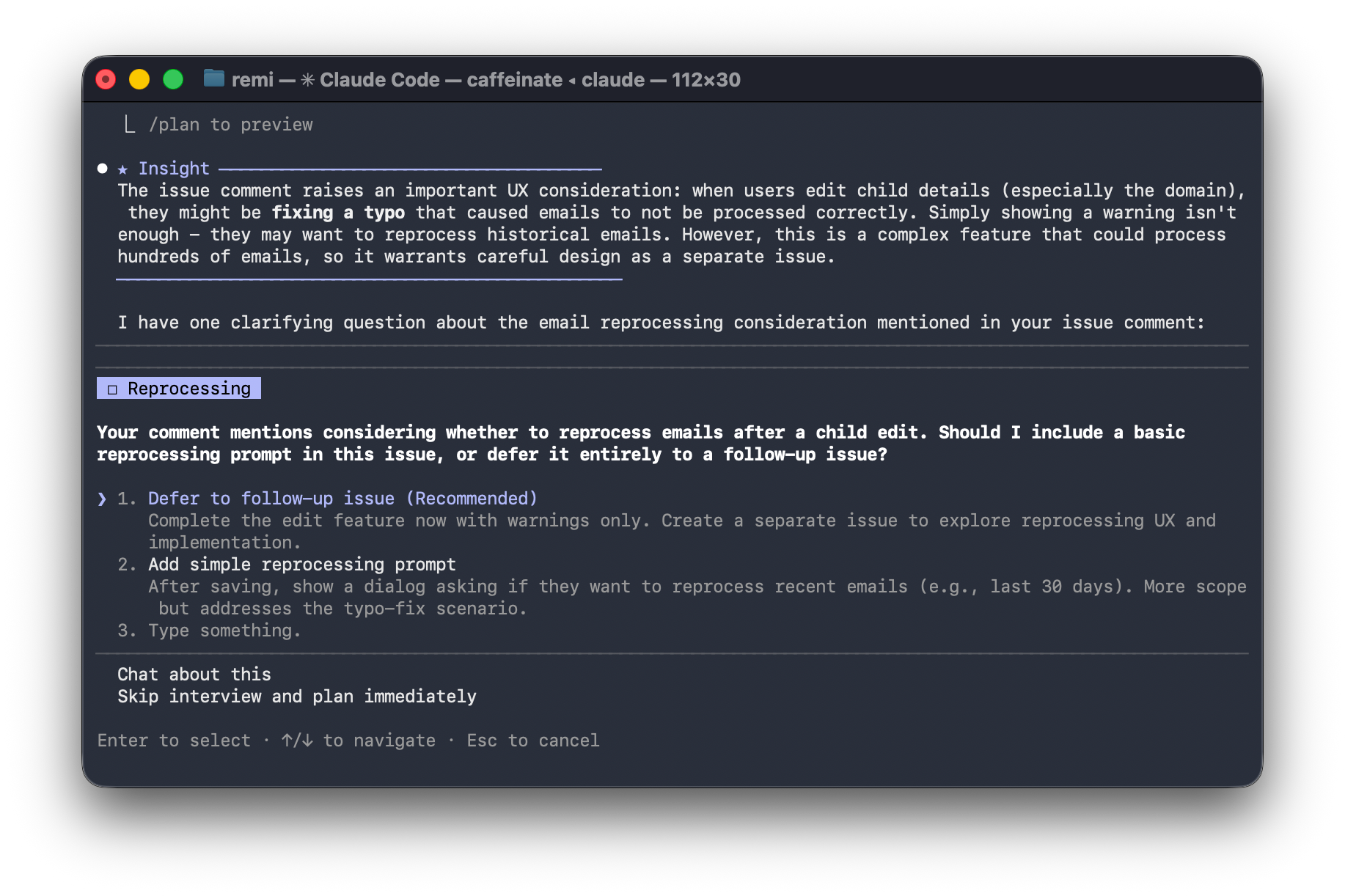
Claude Code hasn’t made any big mistakes in my project so far, except when I didn’t plan throughly enough. One of the most important features I have is backend email processing. I didn’t give Claude enough context and it ended up choosing an architecture that would have broken once I had around 20 users. Once I gave it better requirements around scaling, it chose something more suitable.
3. Coding
Once you’ve broken down your feature into sub-tasks and planned them out, the actual coding happens relatively quickly. What you learn from trying out vibe engineering is that the actual coding is not the most time consuming part at all.
4. Reviewing
Similar to the ‘never trust the initial plan’ rule, you never trust that the code it’s created is 100% complete. Once it’s finished, always get it to review its work and check it hasn’t missed anything.
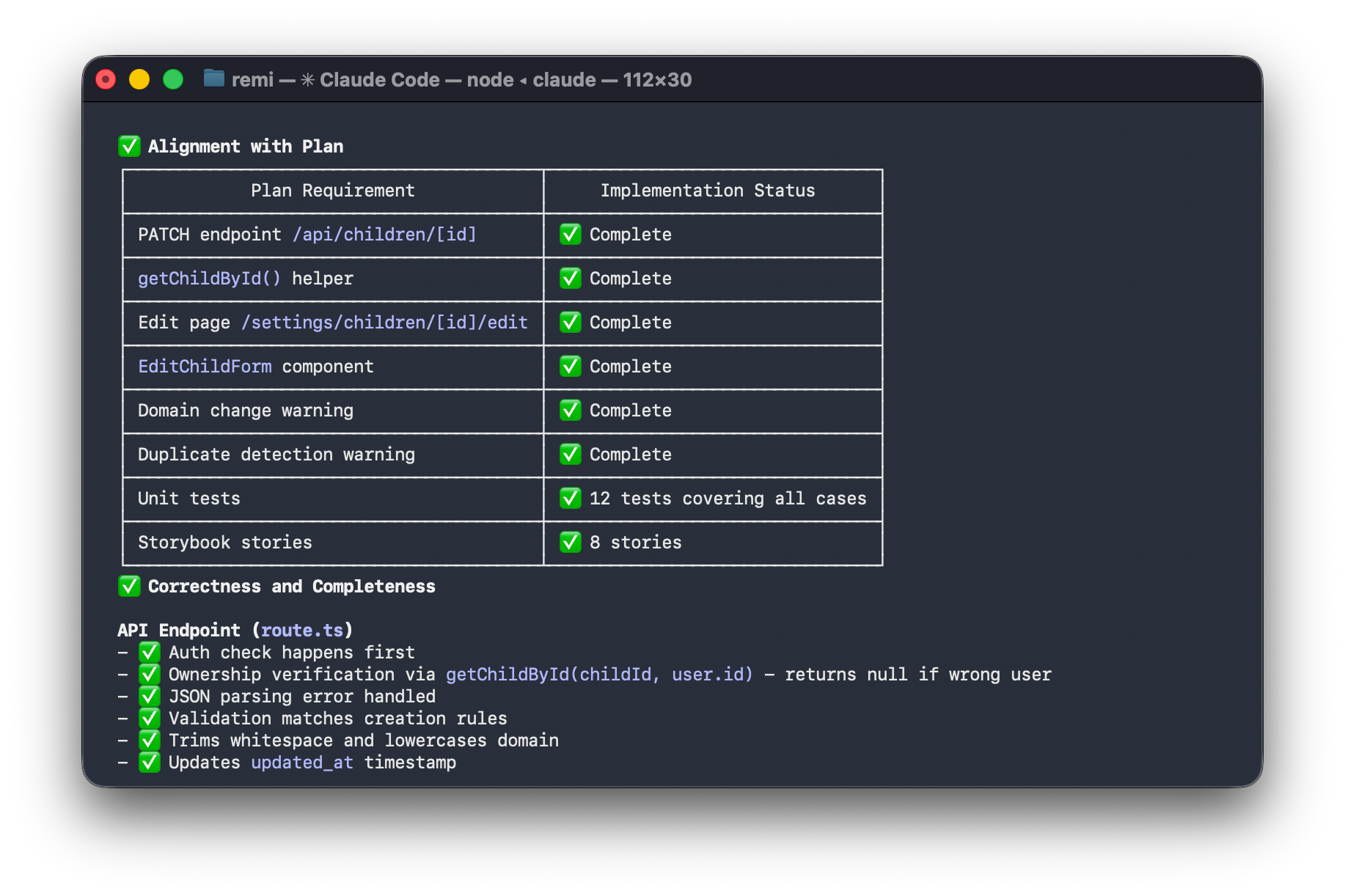
I've created a slash command (I type /codereview in the terminal) that prompts Claude to review its work across multiple dimensions like security, scalability, software engineering best practices and so on. Having a semi-automated process allows you to catch the most obvious errors before they show up in production.
The compound effect
Hour-by-hour, this process doesn’t feel particularly fast. You’re constantly checking, verifying and double-checking everything. But when you look at what you’ve accomplished in a week, that’s where it feels like you’re making progress at a 10x speed.
Once you’ve figured out how to marry established software engineering best practices to AI so you can work in a disciplined and structured way, you get the speed benefits without too many of the downsides.
What this means for UX roles
The main insight you gain from trying this process out for yourself is that the bottleneck is what to build, not how to build it.
AI coding agents can only go as fast as humans can give them direction. Well planned and defined work flies by, but the moment you need to work out how something should work, you have to slow down and think it through, taking into account the entire context of the project. This is especially true for anything that is customer-facing. This means UX skills become more valuable, not less.
The handover process is also different. With a human developer, you can often rely on their interpretation of design files and prototypes, and answer questions as they arise. With an AI agent, you get better results when you provide more detailed written specifications upfront because a coding agent is more likely to make assumptions that ask for clarification (although I guess it depends on the human developers you already work with!)
The shape of teams might also change dramatically over time. To keep the engineering team’s velocity high, you might need more UX capacity to define what to build.
What to do about it
If you’re a fellow UXer, my one piece of advice is to explore this workflow by building something. Get a Claude subscription, fire up Claude Code and make something real. You’ll understand more about the future of our industry than any article can explain.